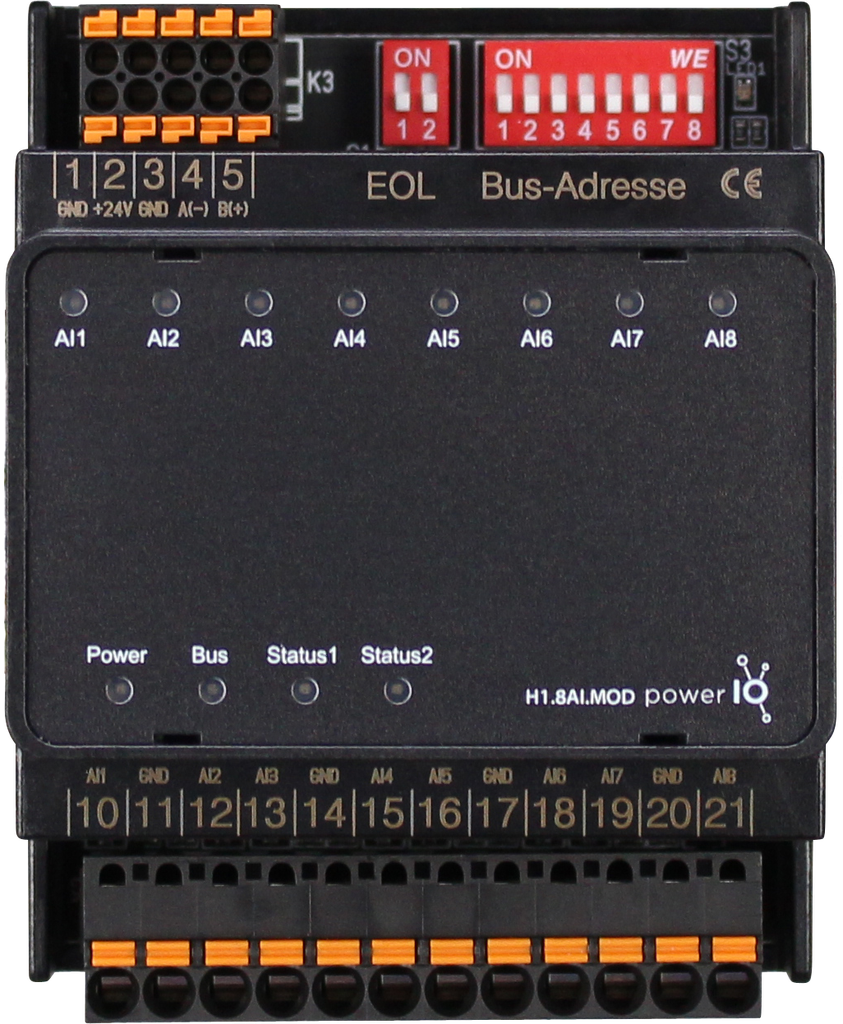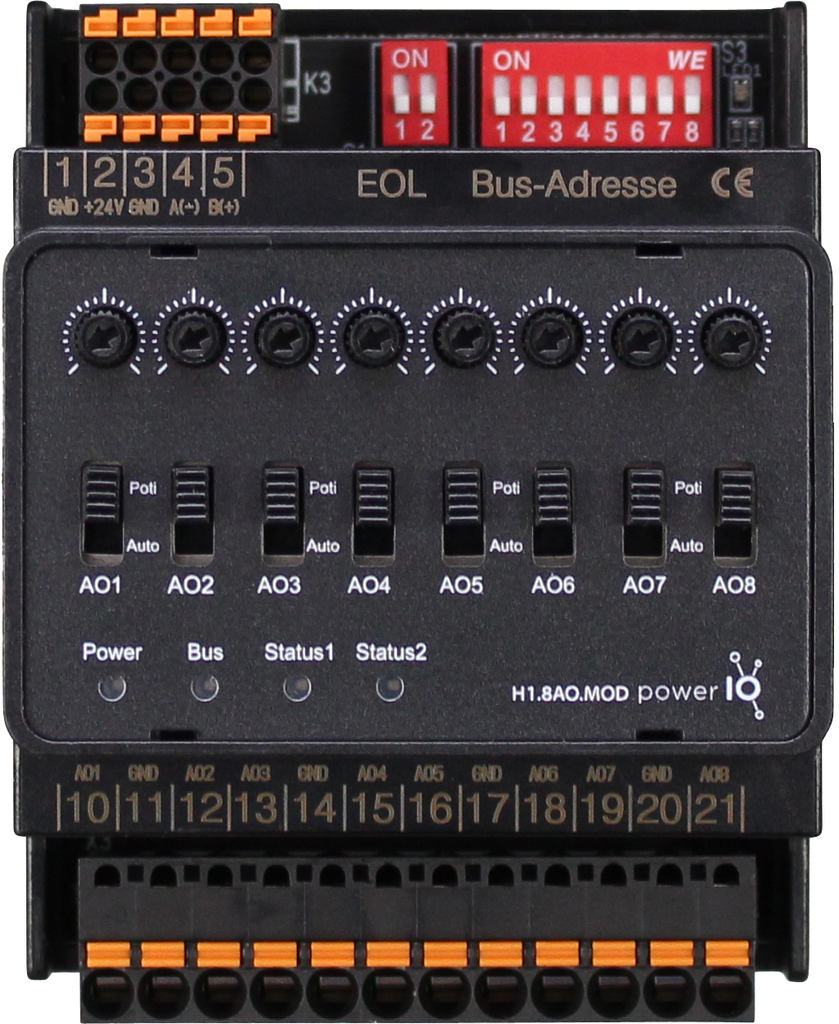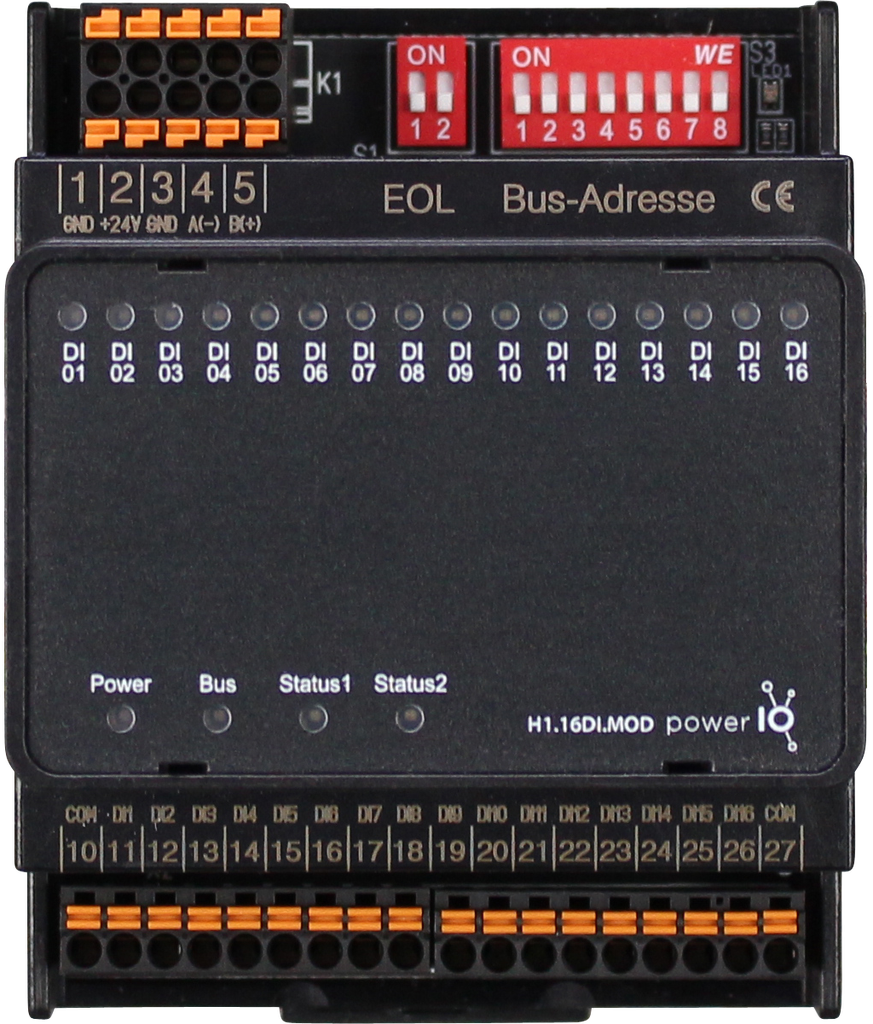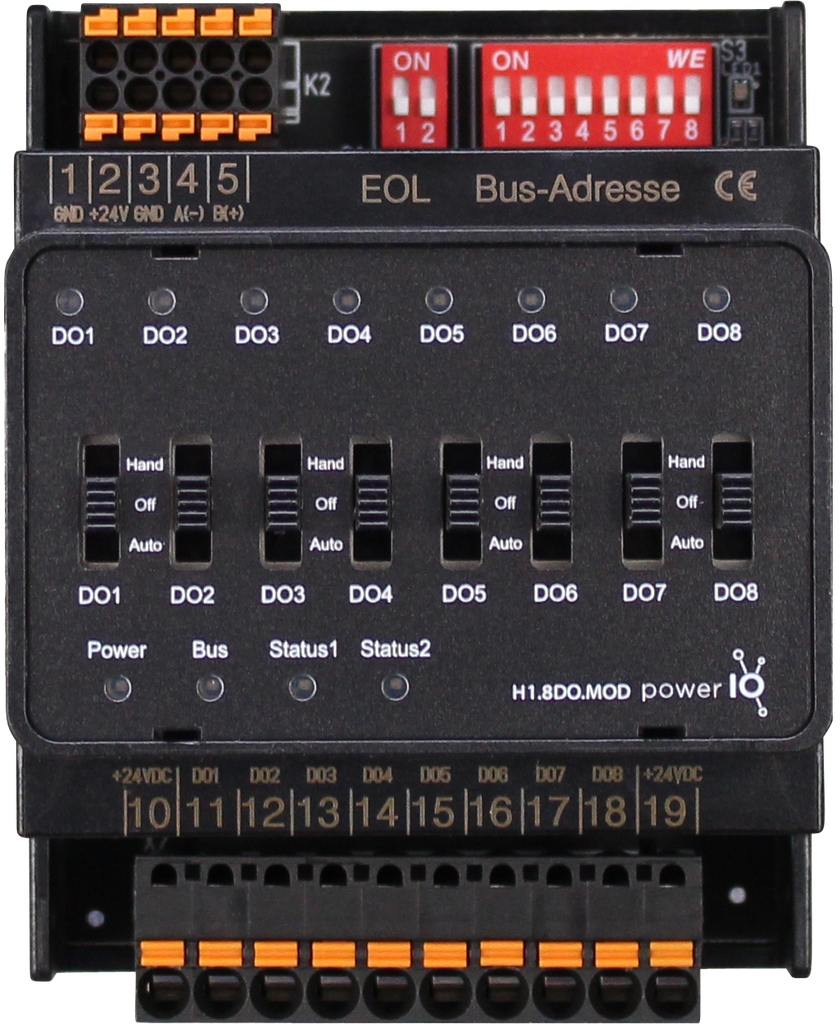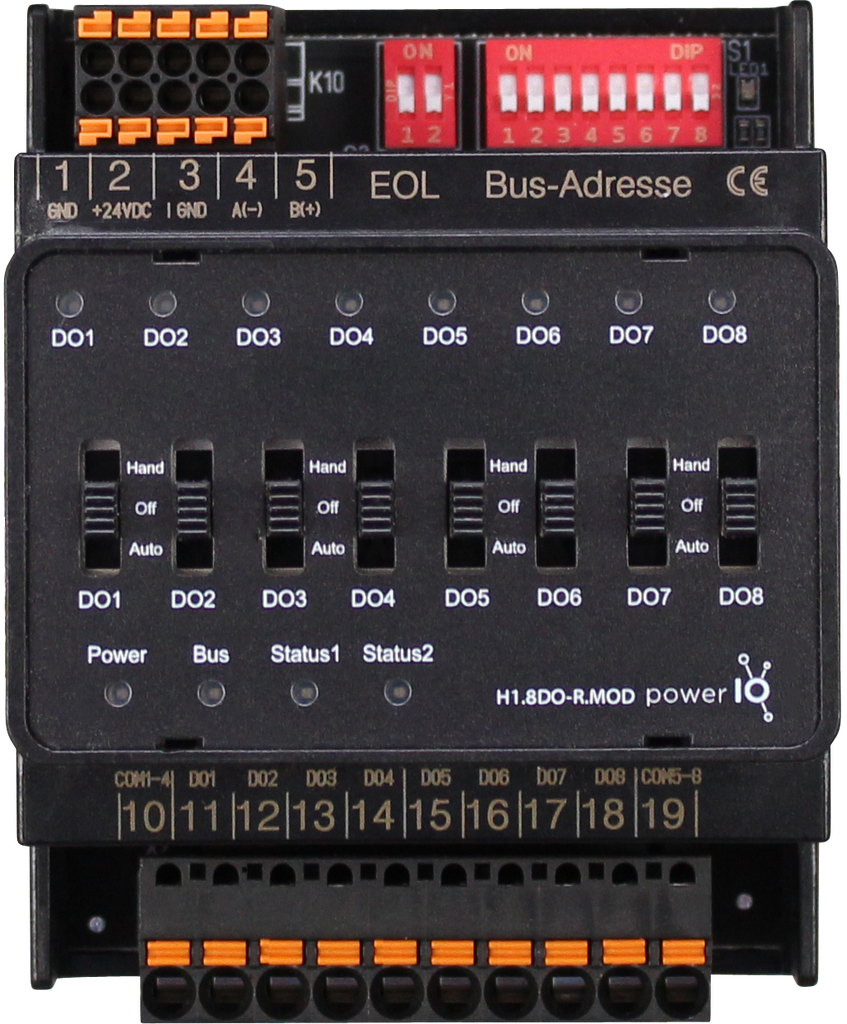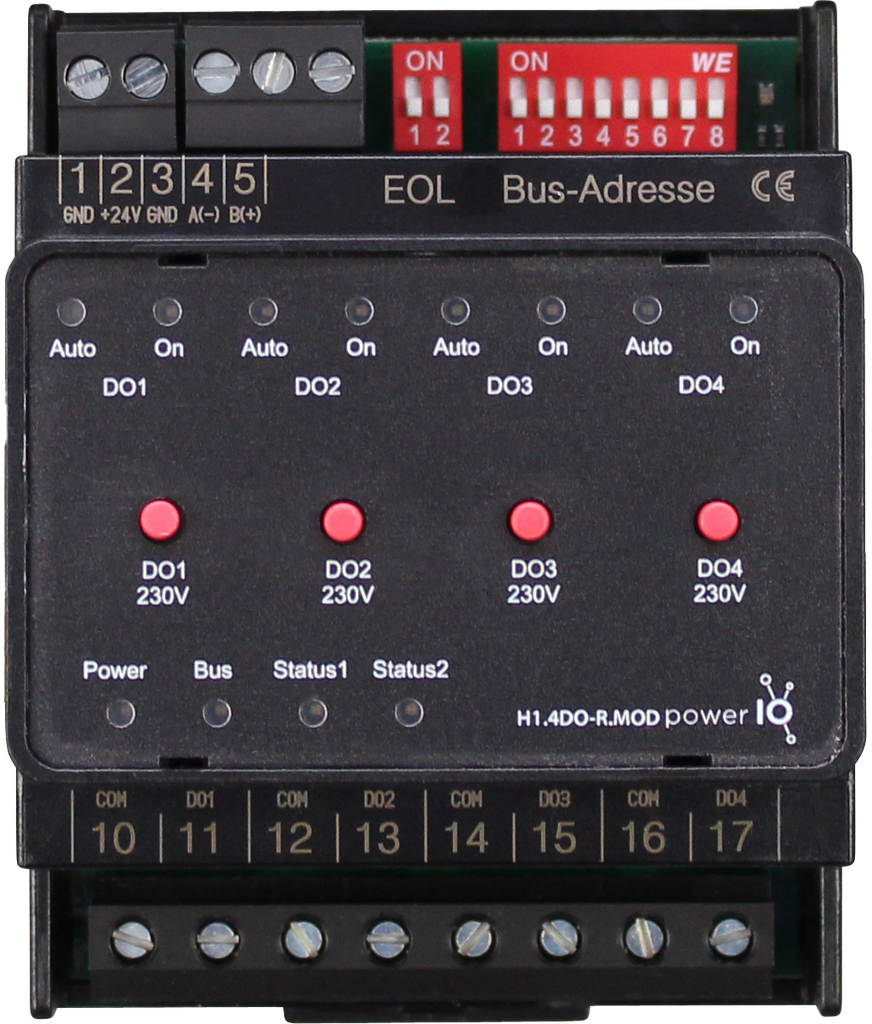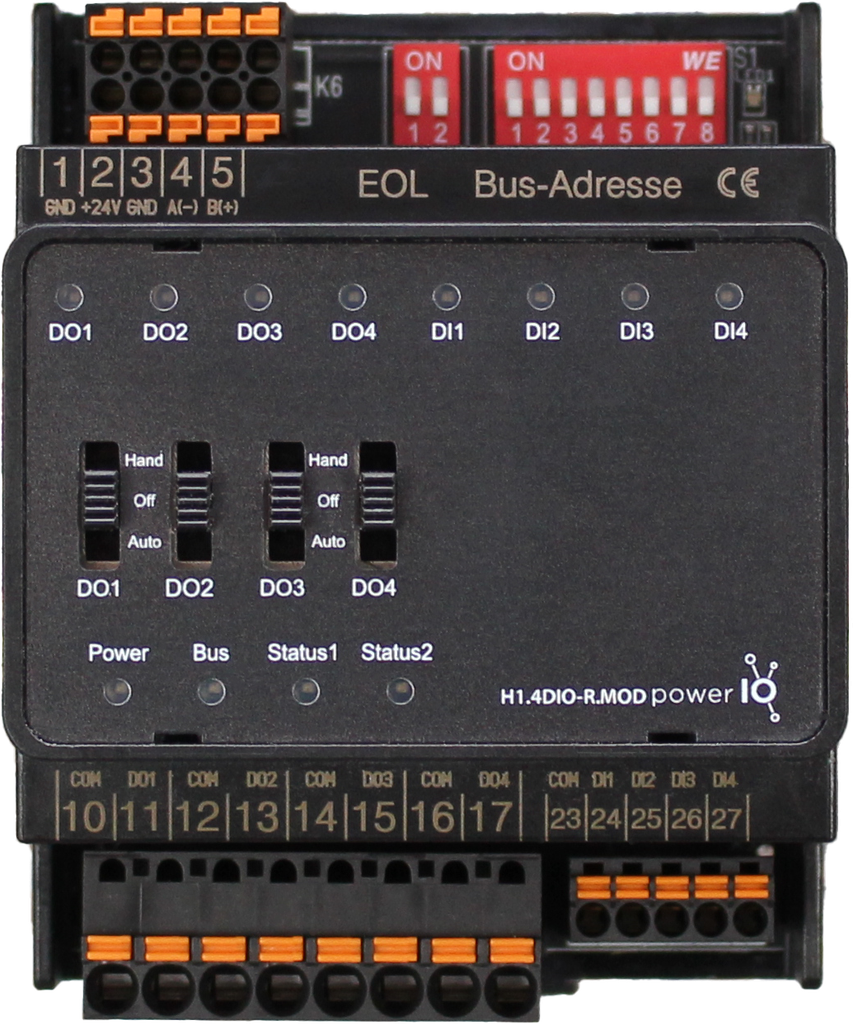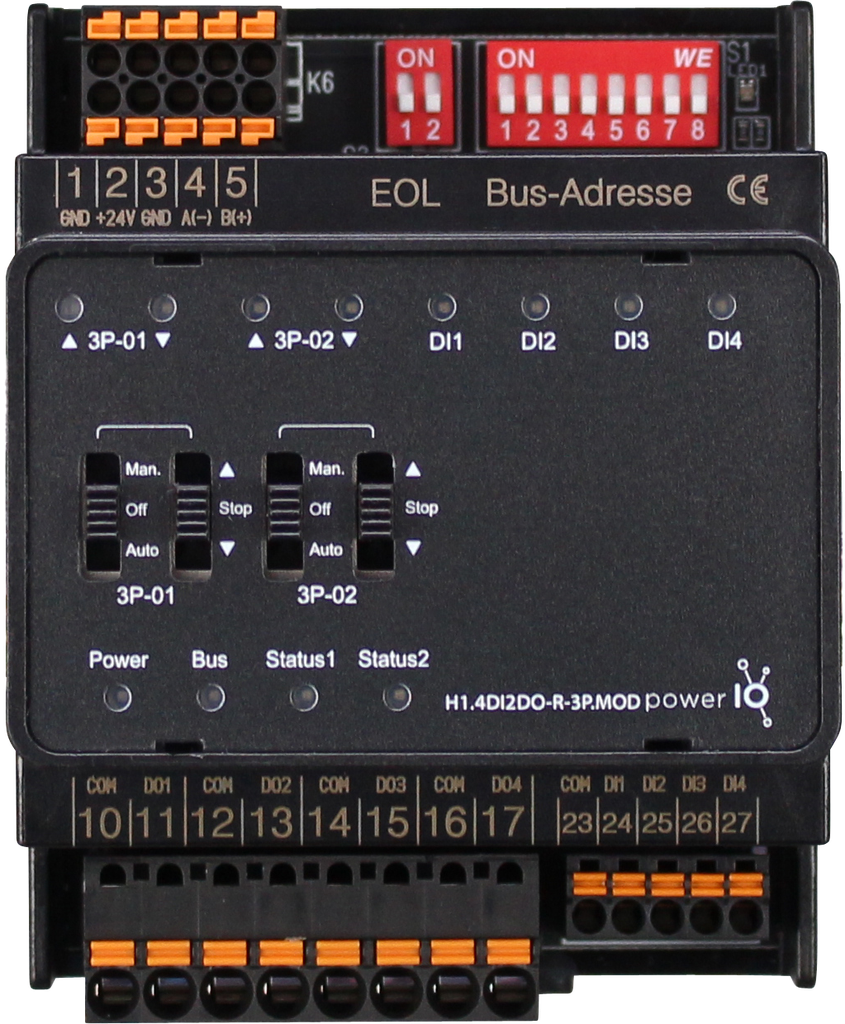
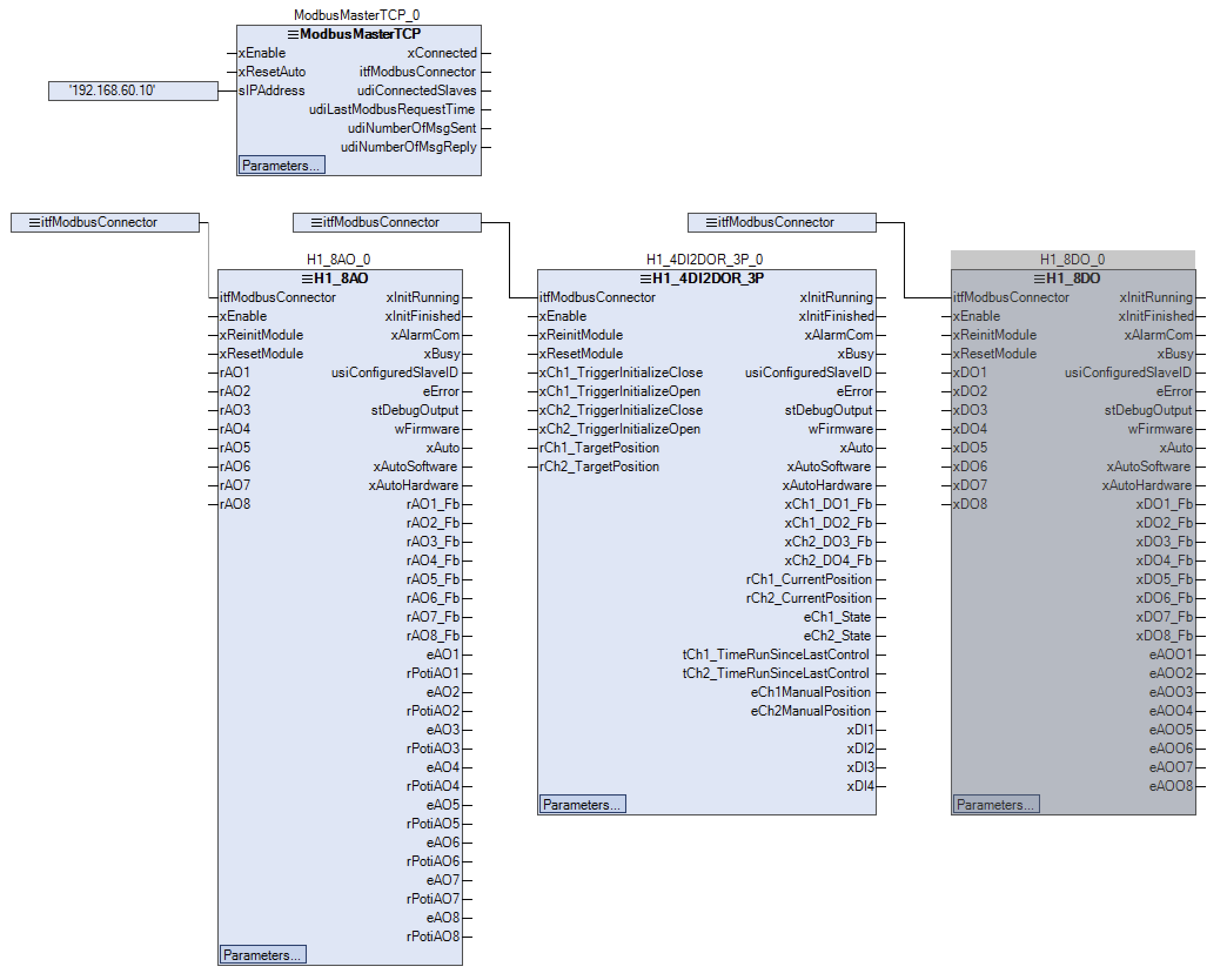
Function blocks optimized for practical use. Easy use of Modbus I/O modules with a master function block and a slave function block.
{% endcolumn %} {% column width="8.333333333333343%" %} {% endcolumn %} {% endcolumns %} *** ### Description This product enables the integration of the HVAC I/O modules. In addition to the I/O configuration, there is a parameter window for each module. Settings such as slave address, bus timeout, send commands or polling intervals can be made. I/O treatments such as negation, two-point function, limit value, and filter function can also be configured. For the analog input module, sensor types such as PT1000, Ni 1000, NTC 10k, etc. can be selected directly.space.vars.HVACModbusIO2\_Library\_latest |
| ------------------------------ | ------------------------------------------------------------------------- |
| **Placeholder** | `HVACModbusIO2` |
| **Available in CODESYS Store** | *Yes* |
| **Programming System** | *CODESYS V3.5.17.2 or higher* |
| **Runtime System** | *CODESYS Control V4.2.0.0 or higher* |
| **License** | *License-free* |
***
---
# Agent Instructions
This documentation is published with GitBook. GitBook is the documentation platform designed so that both humans and AI agents can read, navigate, and reason over technical content effectively. Learn more at gitbook.com.
## Querying This Documentation
If you need additional information that is not directly available in this page, you can query the documentation dynamically by asking a question.
Perform an HTTP GET request on the current page URL with the `ask` query parameter, and the optional `goal` query parameter:
```
GET https://support.powerio.com/hub/codesys-hvac/en/hvac-modbusio2-lib/beschreibung.md?ask=